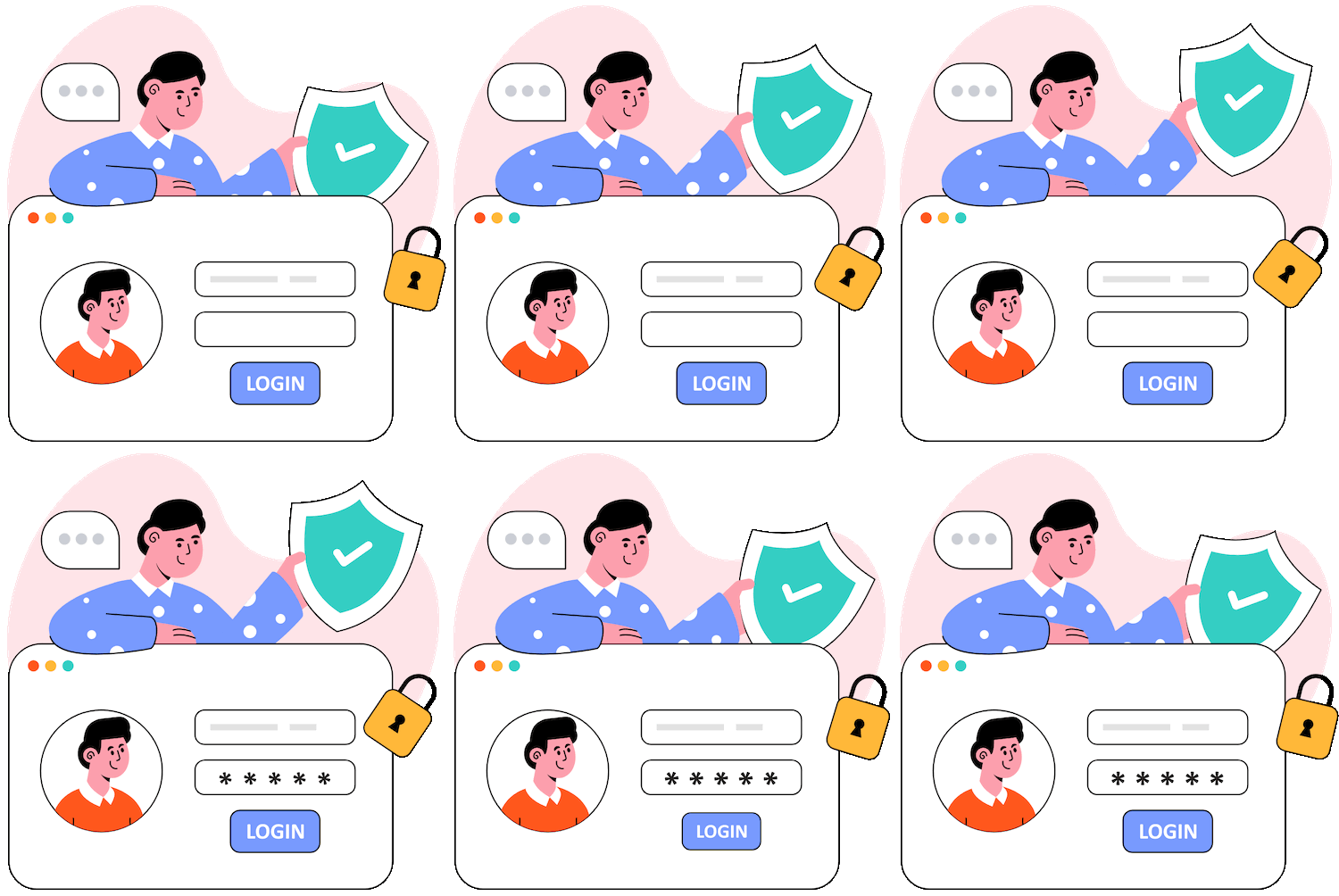
To set up an account, follow these steps:
- Download the app from the App Store or Google Play.
- Open the app.
- Choose a sign-up method: You can register using your phone number, email, or a third-party platform like Google or Facebook.
- Set a secure password and confirm your email or phone number.
- Complete your profile by adding a username, profile picture, and other details.
Note: Always use a valid email and phone number for security purposes. If you forget your password, you will need these details to recover your account.
Logging in to Your Account
If you have an existing account, you can log in by entering your registered email or phone number and password. If you are having trouble logging in:
- Make sure you are using the correct credentials.
- Check if your internet connection is stable.
- Try resetting your password if you have forgotten it.
If your account is temporarily locked, wait a few minutes before trying again. If you still cannot access your account, visit our Account Recovery page.
Resetting Your Password
If you forgot your password, you can reset it using the following steps:
- Go to the login page and click "Forgot password?".
- Enter your registered email or phone number.
- Check your inbox or SMS for a password reset link.
- Follow the instructions in the email or message to set a new password.
Make sure your new password is strong by using a combination of letters, numbers, and special characters.
Privacy and Security
Keeping your account secure is our priority. Here are some tips:
- Enable two-factor authentication for an extra layer of security.
- Use a strong password that is difficult to guess.
- Never share your login credentials with anyone.
- Be cautious of phishing emails and fake websites that may ask for your login information.
If you suspect your account has been compromised, change your password immediately and report it to our security team.
Uploading Videos
To upload a video, follow these steps:
- Tap the "+" button at the bottom of your screen.
- Select a video from your gallery or record a new one.
- Edit your video using effects, music, and captions.
- Choose who can view your video (public, friends, or private).
- Tap "Post" to share your content.
Make sure your videos follow our community guidelines to avoid removal or penalties.
Monetization and Earning Money
If you want to earn money through your content, here are the available options:
- Join the Creator Fund if you meet the eligibility criteria.
- Receive gifts from your followers during live streams.
- Collaborate with brands for sponsored content.
- Sell merchandise or promote affiliate links.
To check your earnings and withdraw money, go to the "Earnings" section in your account settings.
Reporting Bugs and Issues
If you encounter a bug or issue while using the platform, please report it through the app:
- Go to "Settings" and select "Report a problem".
- Describe the issue in detail.
- Attach screenshots if possible.
- Submit your report and wait for a response from our team.
We appreciate your feedback and work continuously to improve our platform.